Sure. There are a lot of streams available on shoutcast.com, just click the download icon and copy the URL, some stations list their stream URL on the site, just google the call letters + "m3u" or "pls" etc, then there is this site which is the best directory I've found so far radioroku.com. If you use iOS there's also a great app for playing these streams called fstream.
Here is my list:
  alias wor='/Applications/VLC.app/Contents/MacOS/VLC --quiet -Idummy http://wor-am.akacast.akamaistream.net/7/495/179680/v1/auth.akacast.akamaistream.net/wor-am 2> /dev/null'
  alias wgy='/Applications/VLC.app/Contents/MacOS/VLC --quiet -Idummy http://wgy-am.akacast.akamaistream.net/7/697/21577/v1/auth.akacast.akamaistream.net/wgy-am 2> /dev/null'
  alias npr='/Applications/VLC.app/Contents/MacOS/VLC --quiet -Idummy http://www.npr.org/streams/mp3/nprlive24.pls 2> /dev/null'
  alias rain='/Applications/VLC.app/Contents/MacOS/VLC --quiet -Idummy http://yp.shoutcast.com/sbin/tunein-station.pls?id=2340 2> /dev/null'
  alias rain2='/Applications/VLC.app/Contents/MacOS/VLC --quiet -Idummy http://yp.shoutcast.com/sbin/tunein-station.pls?id=368490 2> /dev/null'
  alias rain3='/Applications/VLC.app/Contents/MacOS/VLC --quiet -Idummy https://www.youtube.com/watch?v=mQ9OWMsJBTk 2> /dev/null'
  alias art='/Applications/VLC.app/Contents/MacOS/VLC --quiet -Idummy http://yp.shoutcast.com/sbin/tunein-station.pls?id=366888 2> /dev/null'
  alias chopin='/Applications/VLC.app/Contents/MacOS/VLC --quiet -Idummy http://yp.shoutcast.com/sbin/tunein-station.pls?id=590375 2> /dev/null'
  alias phil='/Applications/VLC.app/Contents/MacOS/VLC --quiet -Idummy http://yp.shoutcast.com/sbin/tunein-station.pls?id=248466 2> /dev/null'
  alias french='/Applications/VLC.app/Contents/MacOS/VLC --quiet -Idummy http://www.listenlive.eu/franceinfo.m3u 2> /dev/null'
  alias fip='/Applications/VLC.app/Contents/MacOS/VLC --quiet -Idummy http://www.listenlive.eu/fip128.m3u 2> /dev/null'
  alias bbc='/Applications/VLC.app/Contents/MacOS/VLC --quiet -Idummy http://bbcwssc.ic.llnwd.net/stream/bbcwssc_mp1_ws-eieuk 2> /dev/null'
  alias 1010='/Applications/VLC.app/Contents/MacOS/VLC --quiet -Idummy http://8733.live.streamtheworld.com:80/WINSAMAAC_SC 2> /dev/null'
  alias ewtn='/Applications/VLC.app/Contents/MacOS/VLC --quiet -Idummy http://http.yourmuze.com/ewtn-2/mp3-128-s.mp3 2> /dev/null'
  alias wabc='/Applications/VLC.app/Contents/MacOS/VLC --quiet -Idummy http://8723.live.streamtheworld.com:80/WABCAMAAC_SC 2> /dev/null'
  alias wktu='/Applications/VLC.app/Contents/MacOS/VLC --quiet -Idummy http://wktu-fm.akacast.akamaistream.net/7/110/19973/v1/auth.akacast.akamaistream.net/wktu-fm 2> /dev/null'
  alias chant='/Applications/VLC.app/Contents/MacOS/VLC --quiet -Idummy http://calmradio.com/playlists-free/gregorian.pls 2> /dev/null'
  alias chanteurs='/Applications/VLC.app/Contents/MacOS/VLC --quiet -Idummy http://sv1.vestaradio.com:4090/ 2> /dev/null'
For the same reasons ($1/month<<$8/month, even though it means I burn a precious NANPA DID), I've set up the same without writing a single line of code.
With VOIP.ms, I ordered a DID and set it to auto-answer any call. They have a voicemail feature you can use, so it handles the recorded message and recording after the beep. Voip.ms then emails you the voicemail (nice for recordkeeping). If your cellular provider has an email to SMS gateway, you can forward the email there, and you'll see the callerid in the subject, but no CNAM to speak of.
Once working, I set my cellphone to auto-direct any unanswered calls to the DID I setup.
I love how osx supports emacs key-bindings by default for any text field.
I miss this feature a lot when I switch back to windows. I find myself pressing ctrl-n in my browser's address bar, expecting to view my URL history, and instead I get a new windows.
If anyone knows of a way to get similar functionality in windows, I would love to hear about it!
The basic Emacs key-bindings should work in all Cocoa apps. For instance, the URL bar of your web browser, while text editing in just about any editor (maybe even in Office, but I have not tired in a while), etc. Basically, anywhere you have a cursor, the basic line-editing key bindings should work.
So, in practical terms, this means you have 1 + n clipboards[1]. The main global GUI clipboard (using the command key), and then an app-specific clipboard (using the control key with Emacs bindings). As a developer, it is extremely helpful to have two clipboards in TextMate, for instance.
[1] Technically, the clipboard in OS X maintains a history (not sure what the limit is), but the OS X GUI only exposes the last cut/copied item.
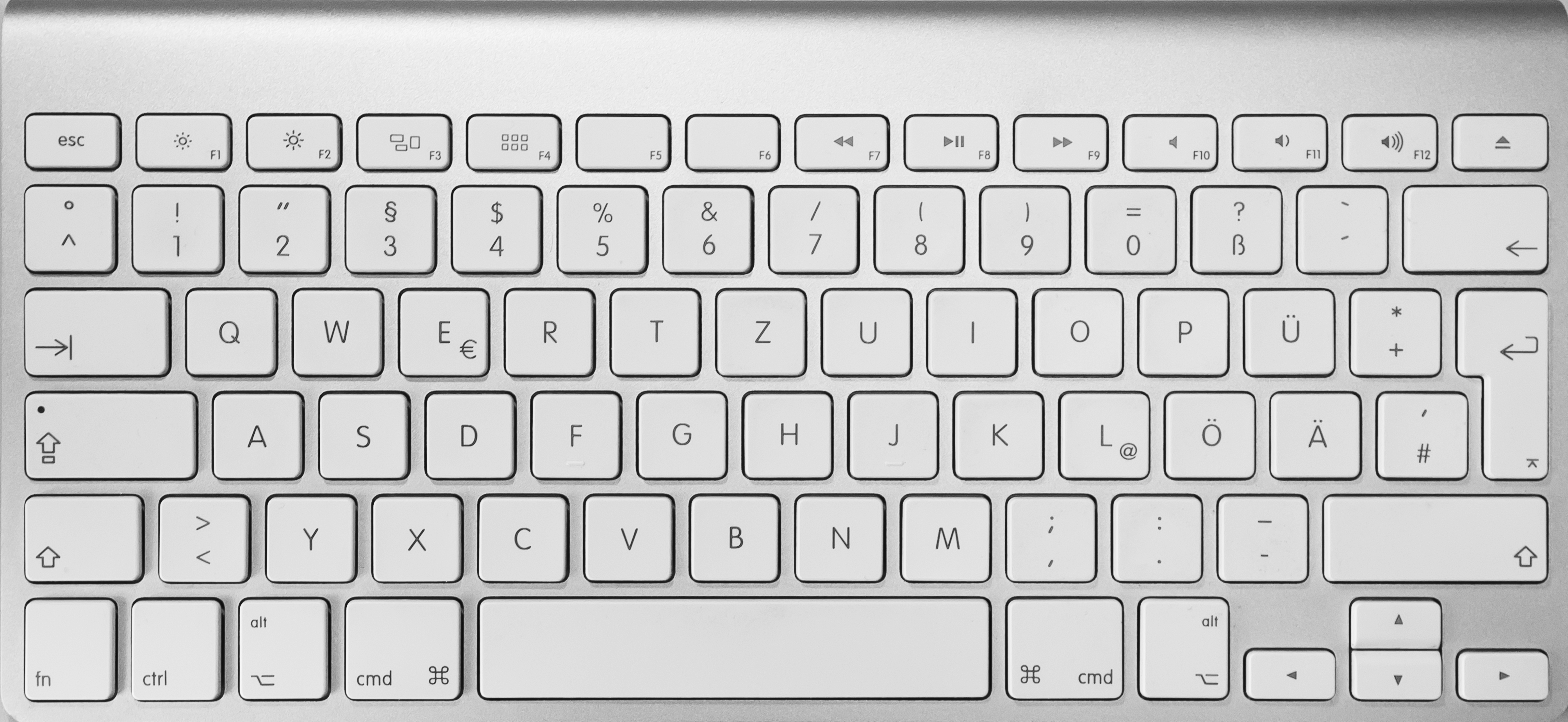
Not sure if I have it set up differently but mine is Cmd-Left or Cmd-Right to move to the beginning of a line...? Easier to reach than fn (I'm using a real wired BIG Apple keyboard, the RSI inducing one...)
Well, you don't have to follow that glossy mainstream. Just get yourself a new linux desktop with lots of RAM, couple of nice matte monitors, mouse and a good full size keyboard.
That's what I always do. My new PC should be delivered any minute, actually (16 GB RAM; at one intensive work session my current 8 GB where almost a bit scantly - is that the right English word?).
ctrl-arrow (which breaks with Lion's Spaces default keys), or shift Home/End in Terminal.
It's not that Macs are crappy, they just have different key bindings. I regularly work with Macs, Windows, and Linux for development and I've just learned to use the different key mappings.
I don't think I'm quite as proficient in any one system because of that, though. For example, I have avoided learning the Emacs key bindings for use in Mac/Terminal. (I don't want to try to remember TWO bindings for Mac, plus I learned vim first so usually avoid Emacs.)
ctrl-arrow jumps to the next word boundary under Linux.
Yes, other systems have other key bindings, but why do common things like jumping to the begin/end of a line need a key combination? And why aren't the characters written onto the keys? Every time I have to type some code on a Mac I have to press all the keys in order to find { } [ ] etc. At leas I learned not to quit the terminal when I want to enter a @ by now. Whose brilliant idea was that?